

How to Connect Your Binated Account to Elite Core
A quick guide to connecting your personal Binated account to Elite Core using your individual API credentials.
How to Connect Your Binated Account to Elite Core
A quick guide to connecting your personal Binated account to Elite Core using your individual API credentials.

Move to Elite Core in a Day, Not Weeks: A Smarter Way to Import Your Data
See how Elite Core’s intelligent import tools help promotional product distributors move customers, contacts, addresses, representatives, pricing data, decoration matrices, and other business records into a connected system without weeks of manual setup.

Supplier Management Software for Promotional Product Distributors
Learn how promotional product distributors manage suppliers, approved vendors, purchase orders, proofs, receiving, vendor bills, and supplier information in one connected workflow.

How to Map a Warehouse for Faster Receiving, Production and Shipping
Learn how promotional product distributors can map warehouse zones, receiving, storage, production staging and shipping locations to create a faster, more visible fulfillment workflow.

How Promotional Product Distributors Track Sales and Gross Margin by Rep
Learn how promotional product distributors can track sales, gross margin, booked vs invoiced performance, customers, industries, budgets, forecasts, and rep assignments in Elite Core.

How to Manage Multi-Supplier Orders in Elite Core
Learn how to manage multi-supplier orders in Elite Core, from one approved customer order through supplier purchase orders, proofs, receiving, decorator routing, shipping, billing, and margin tracking.

The Complete Guide to an Order in Elite Core — Part 1: Sell It
Part 1 of the official Elite Core guidebook series. Follow one order from customer setup through project creation, products, pricing, decorations, Presentation, Sales Order and client approval.

How to Receive Products Against a Purchase Order in Elite Core
Learn how Shipping and Receiving teams receive products against Purchase Orders in Elite Core, including partial receipts, variations, shortages, overages, containers, warehouse placement, linked decoration POs, and receiving history.
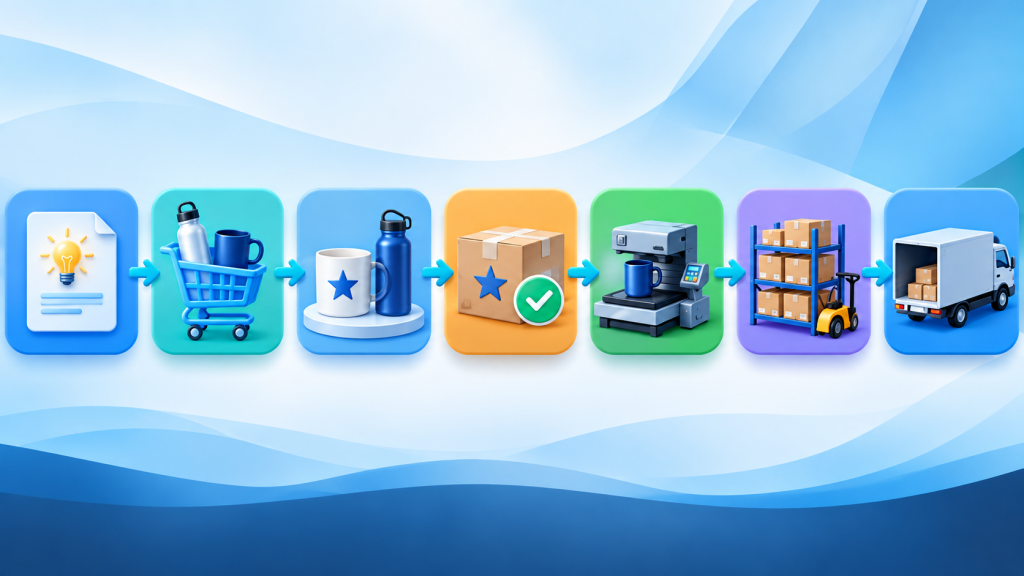
How an Order Moves Through Elite Core: From Sales Approval to Receiving, Production and Shipping
A complete end-to-end guide to the Elite Core order lifecycle, from Sales Order approval through Purchase Orders, proofs, artwork, receiving, production, warehousing, shipping, notifications, and the settings that control each stage.

How Duplicate Products and Cart Lines Work in Elite Core
Learn how duplicate products and cart lines work in Elite Core, why copied products remain independent, how Sales Orders preserve them, and how to safely edit, reorder, price, decorate, and manage product copies without affecting the original.